Tools (MCP)
Agents call external services through MCP integrations — Notion, GitHub, Slack, your own server.
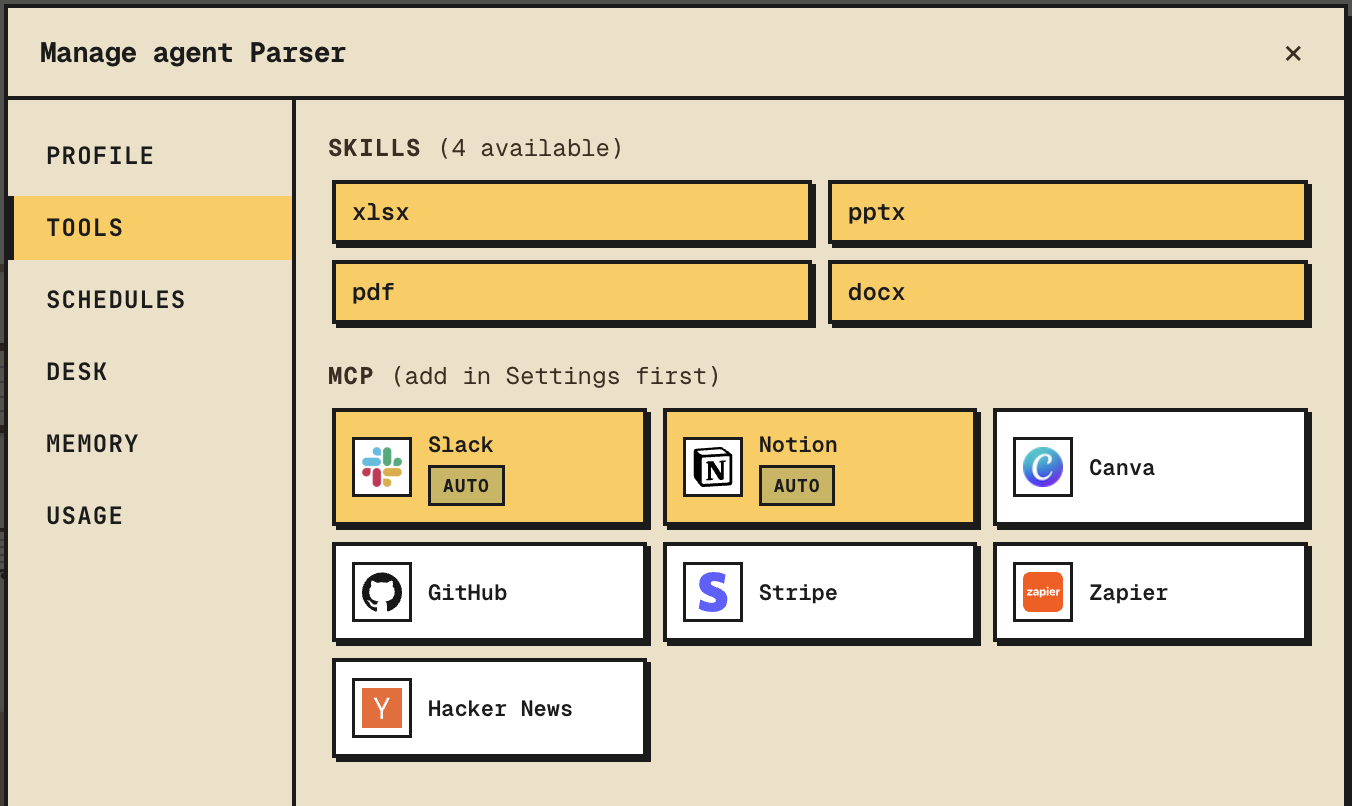
Add an integration
Settings → Integrations → Add. Provide the MCP server URL and any credentials it needs. The integration is registered at the workspace level so every agent can opt into it.
Enable for an agent
Open the agent → Profile → Tools section. Toggle the integrations the agent should have access to. Off by default — only what the agent needs.
Permission policy
Each enabled tool has one of two policies:
- always_allow — the agent calls the tool with no prompt. Use for read-only or low-stakes actions.
- always_ask — every call pauses until you click approve in chat. Use for writes, deletes, anything that costs money.
Set the policy per tool in the agent's profile.
Calling
Agents discover tools from the system prompt and call them like any other tool. You see the call and the result inline in chat. For ask-mode, see the approval card and the agent waits.
Tip
Start tools in always_ask. Watch a few calls. Flip to always_allow once you trust the agent on that integration.