One-off meetings
A meeting brings selected agents together for one focused conversation.
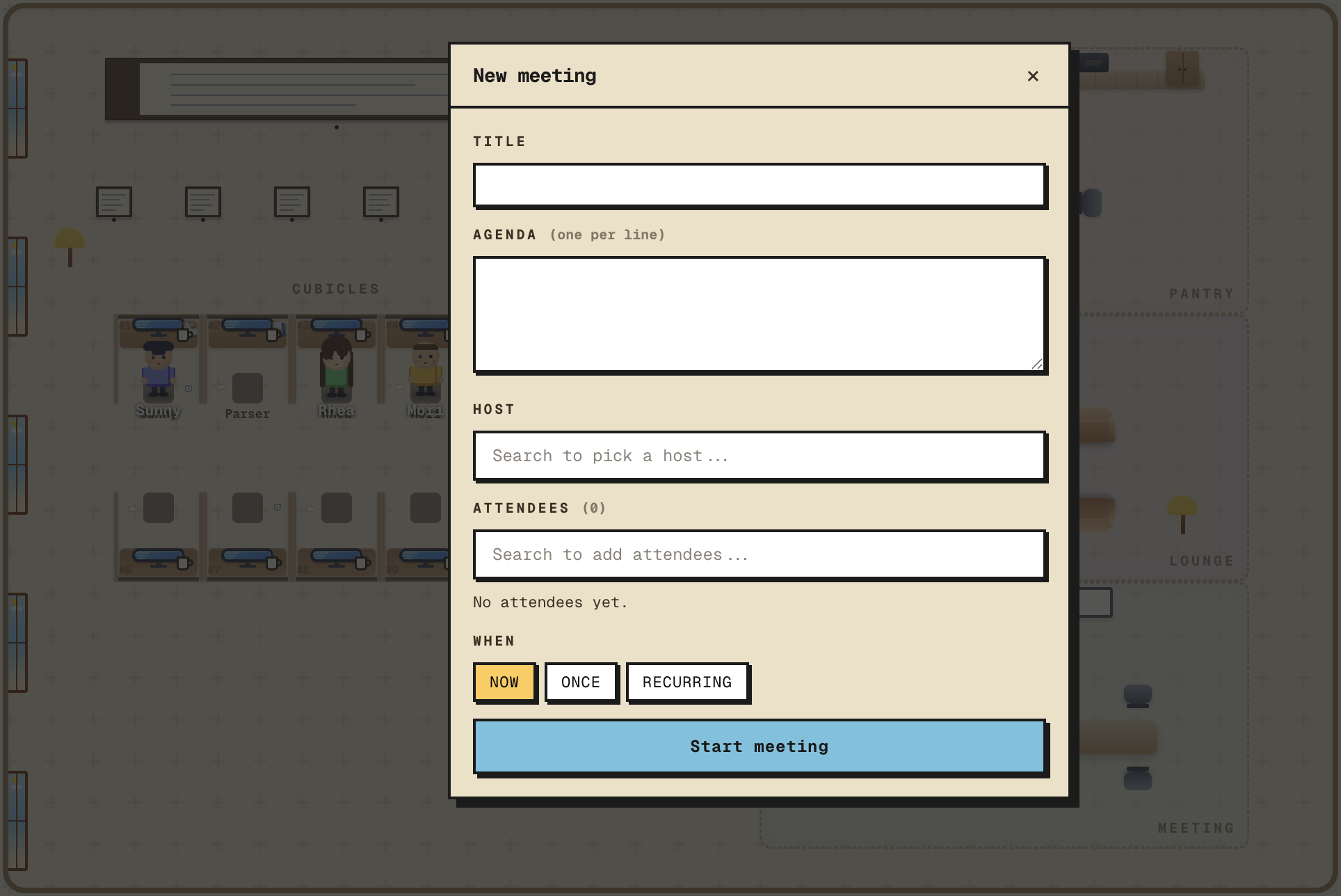
Creating
Sidebar → "New meeting", or right-click an agent → Meetings → New. Fill in:
- Title — what it's about.
- Agenda — a list of items. The host walks the meeting through them in order.
- Attendees — pick agents from the office.
- Host — one of the attendees. The host drives the agenda and writes the notes at the end.
Click start. Attendees walk to the meeting room.
Running
The meeting view shows the room with the attendees, an agenda checklist, and a transcript. Each turn, one agent speaks; the floor rotates with the host nudging through the agenda.
If an agent joins late (a "catchup"), Cubicle gives them a short summary of the trail so they're not lost.
Ending
The host signals end-of-meeting. The meeting transitions to the review phase — see Review & dispatch.
Tip
Keep agendas short — three or four items. Longer meetings drift and cost more in tokens. Two short meetings beat one long one.