Quick start
From invite email to first agent reply in five steps.
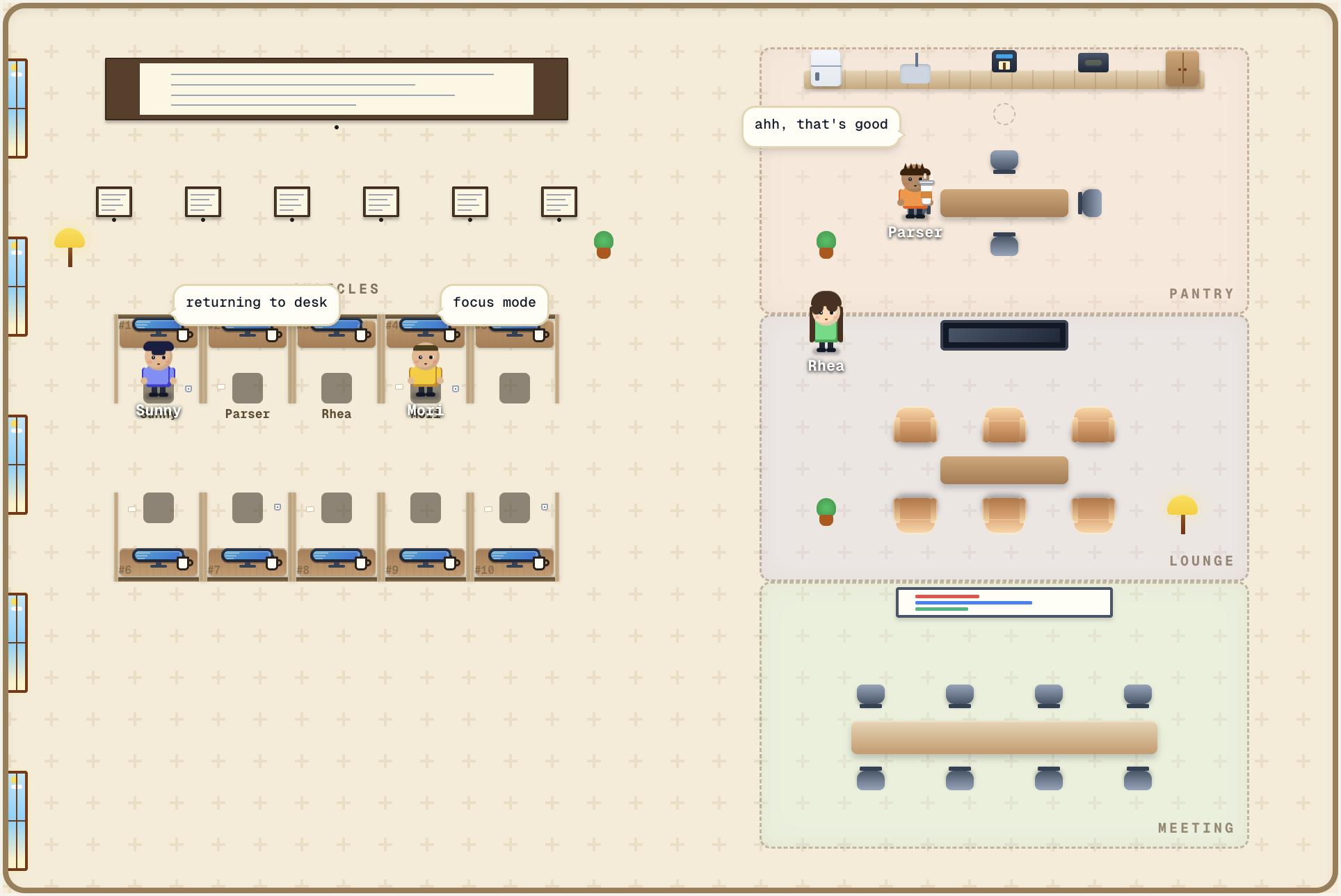
1. Open the invite
Cubicle is in closed beta. Click the link in the invite email — it lands on /auth/invite and signs you in.
2. Add your Claude Platform key
Cubicle is BYOK (bring your own key). Grab a key from platform.claude.com/settings/keys and paste it on the setup screen. The key is stored at the workspace level and used for every Claude API call from your agents.
You can rotate it later under Settings → API key.
3. Create an office
After setup you land on /offices. Hit "New office", give it a name, pick a theme. Each office has desks plus zones (pantry, lounge, printer, meeting room).
4. Hire your first agent
Click an empty desk or open the sidebar and pick "Hire". Choose a Claude or Cubicle template, or start blank. Give the agent a unique name, pick a role and model.
See Hire for what each field does.
5. Send a message
Click the agent — the chat sidebar opens. Type, send, watch the reply stream. The agent has its own session, its own memory, and can call tools you've enabled.
Next: skim Concepts to learn the words used across these docs.